E J Rosa Media
Kingdom Hall Works
A private maintenance record for one congregation. Report a repair, schedule the work in pairs, and finish a job hazard analysis before anyone starts.
App Store — coming soonComing soon to the App Store.
What it keeps
Repairs
Write what failed, where, and how urgent it is. Add a photo from the camera or the photo library.
Tasks in pairs
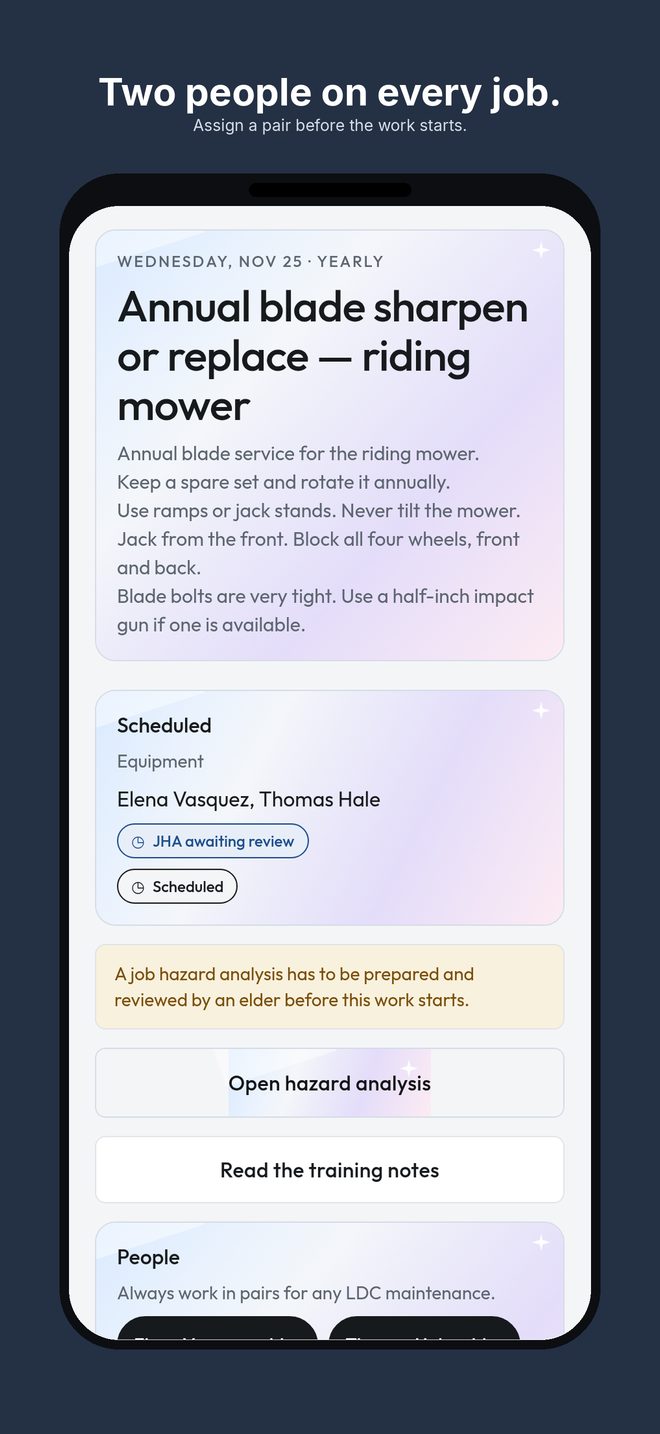
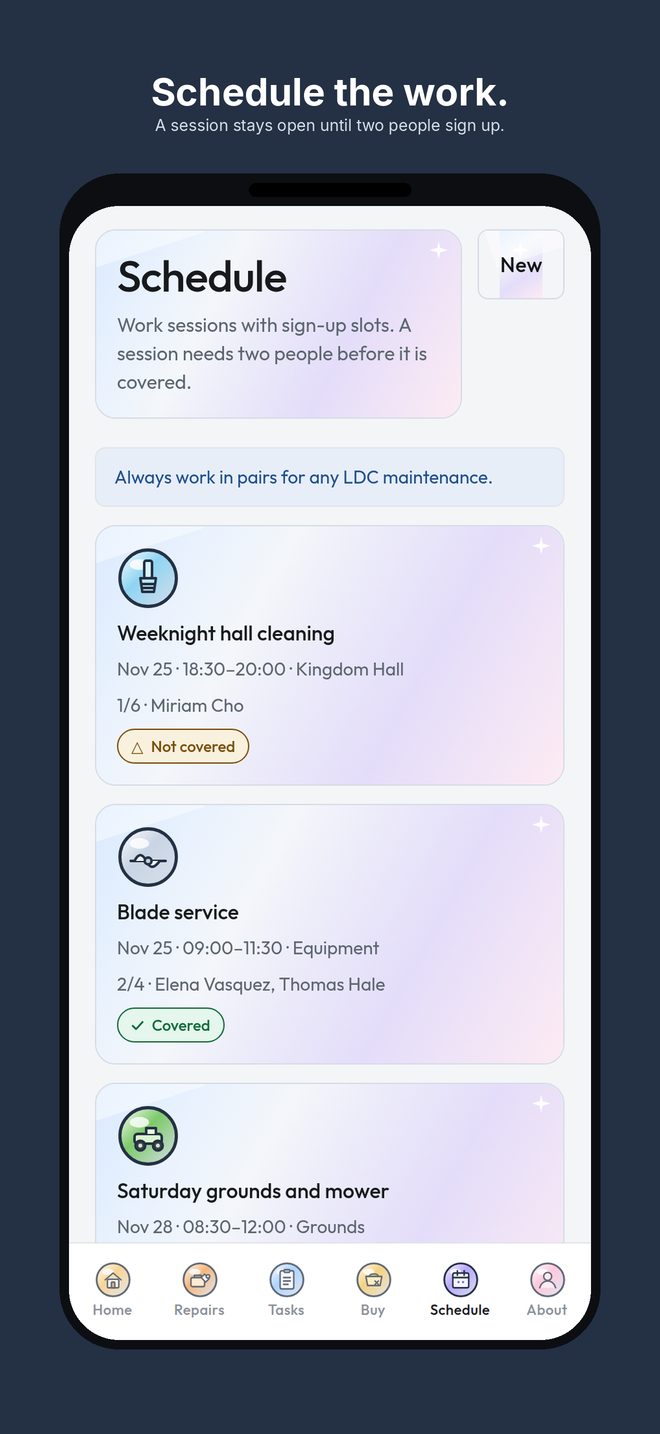
Every job needs two people. The pair rule is “Always work in pairs for any LDC maintenance.”
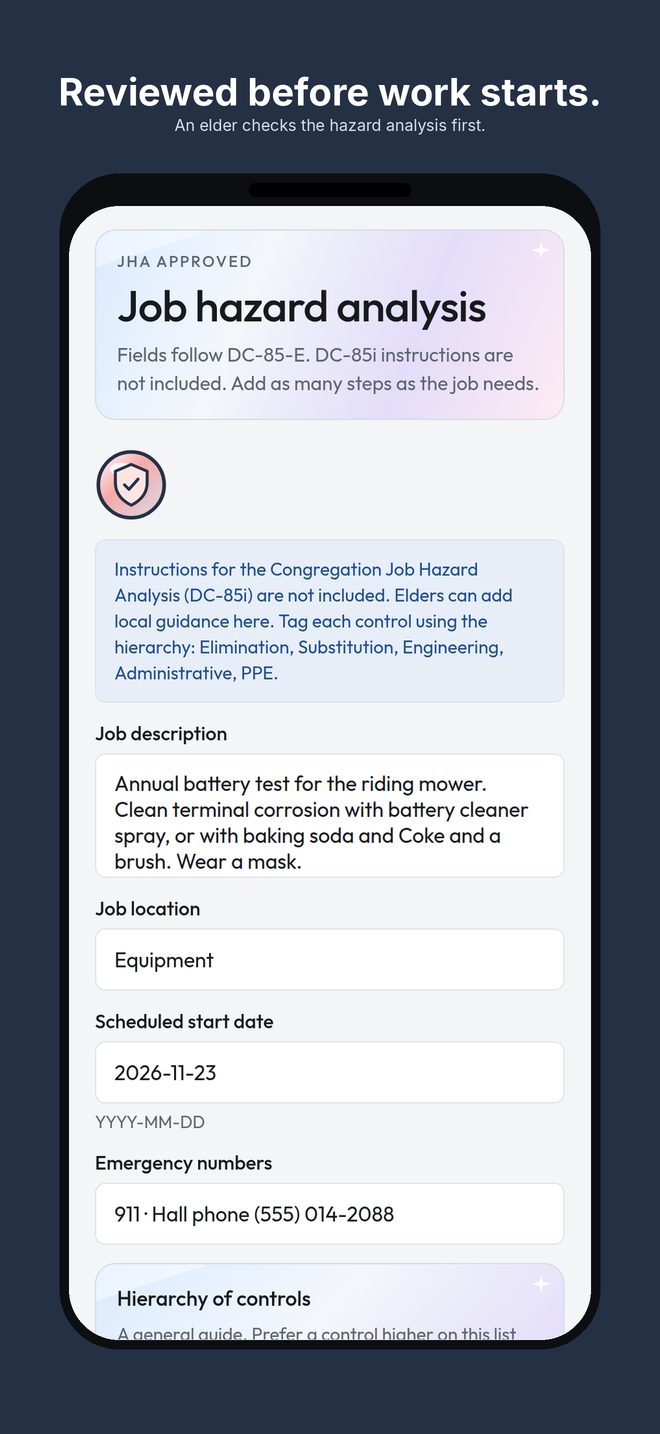
Job hazard analysis
Prepare the analysis, then an elder reviews it before the work starts. Print or share the finished sheet.
Schedule
Put the work on the calendar. A session stays open until two people sign up.
Purchases
Keep the shopping list, scan a barcode, and save the receipt with the purchase.
My Day and time
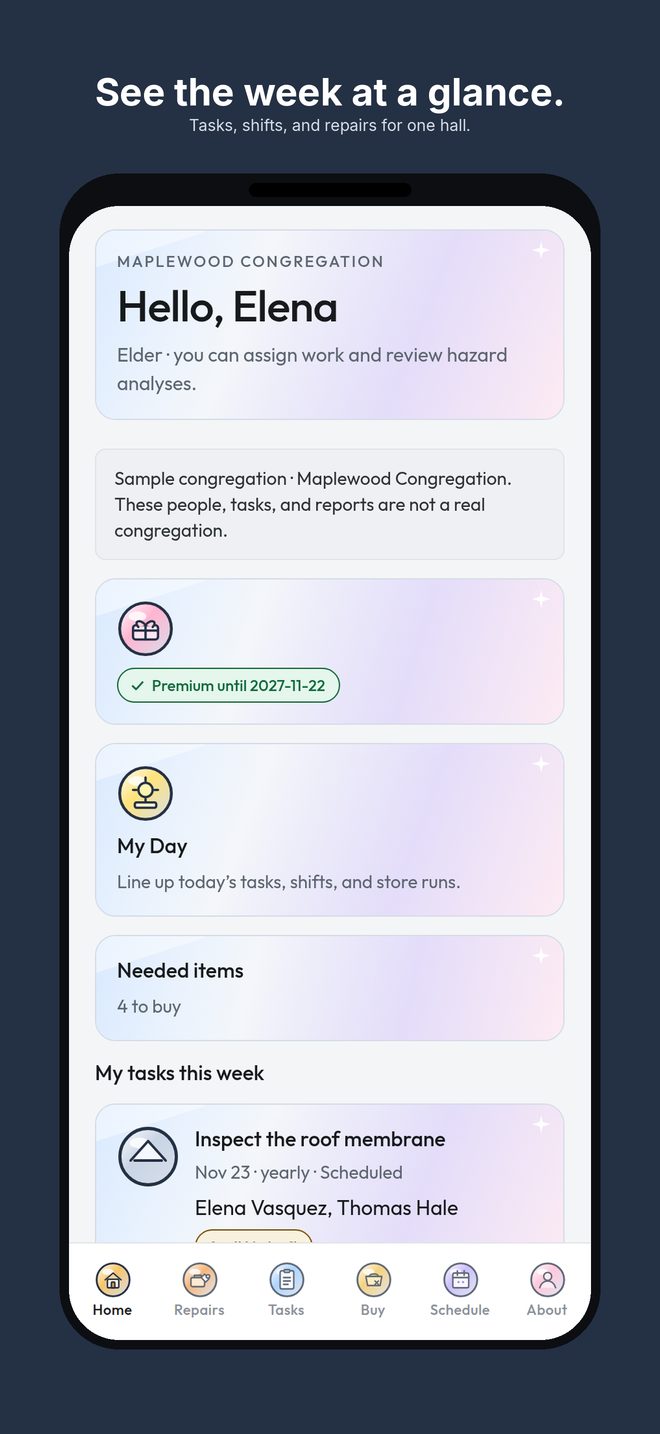
Line up today’s tasks and shifts, then record the time spent on the work.
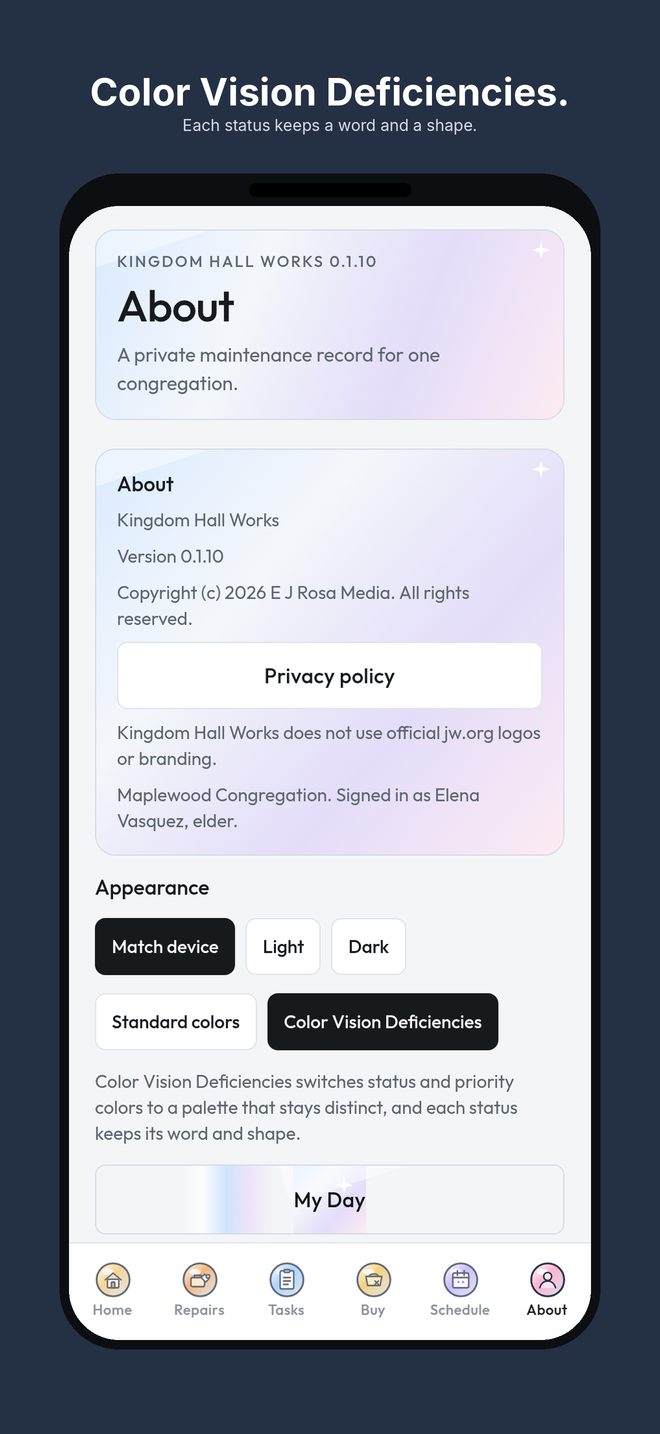
Color Vision Deficiencies
Status and priority colors switch to a palette that stays distinct. Each status still has its word and its shape.
Sample congregation
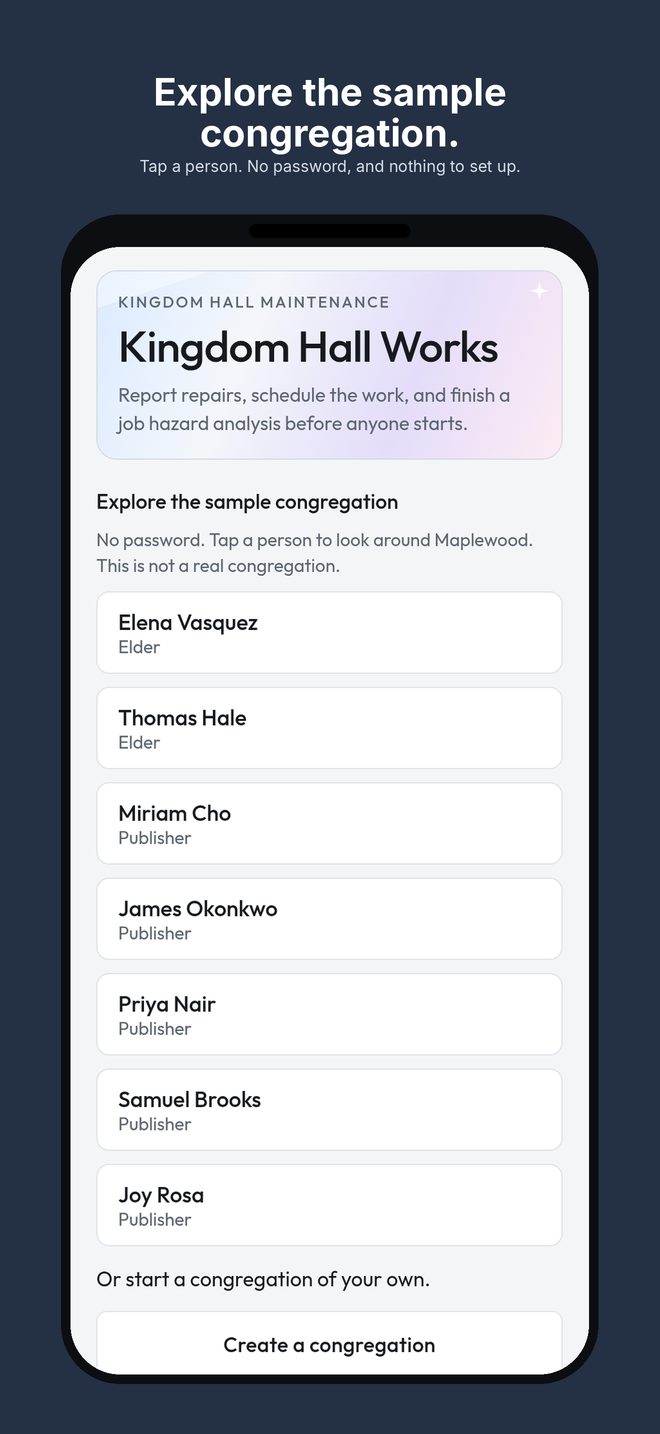
Open Maplewood from the sign-in screen and look around. Those people, tasks, and reports are not a real congregation.
On the phone
Privacy
Records stay on the device. Kingdom Hall Works does not use official jw.org logos or branding. Read the privacy policy.